
iOS and Android
PepperStone app download apk
Install cTrader APK on Android
For traders in Pakistan, we offer the free cTrader mobile app for Android. The fastest way to get it is the Google Play Store, but APK installation works too if Play Store is blocked or old. Both options let you trade forex, stocks, indices, gold, oil right from your phone.
On Google Play, our cTrader app is already installed by over 100,000 people and is rated 4.4 stars. For devices where Play Store is tricky, popular APK sources like Aptoide and Softonic help out. On average, installing needs 50-80 MB free and at least Android 5.
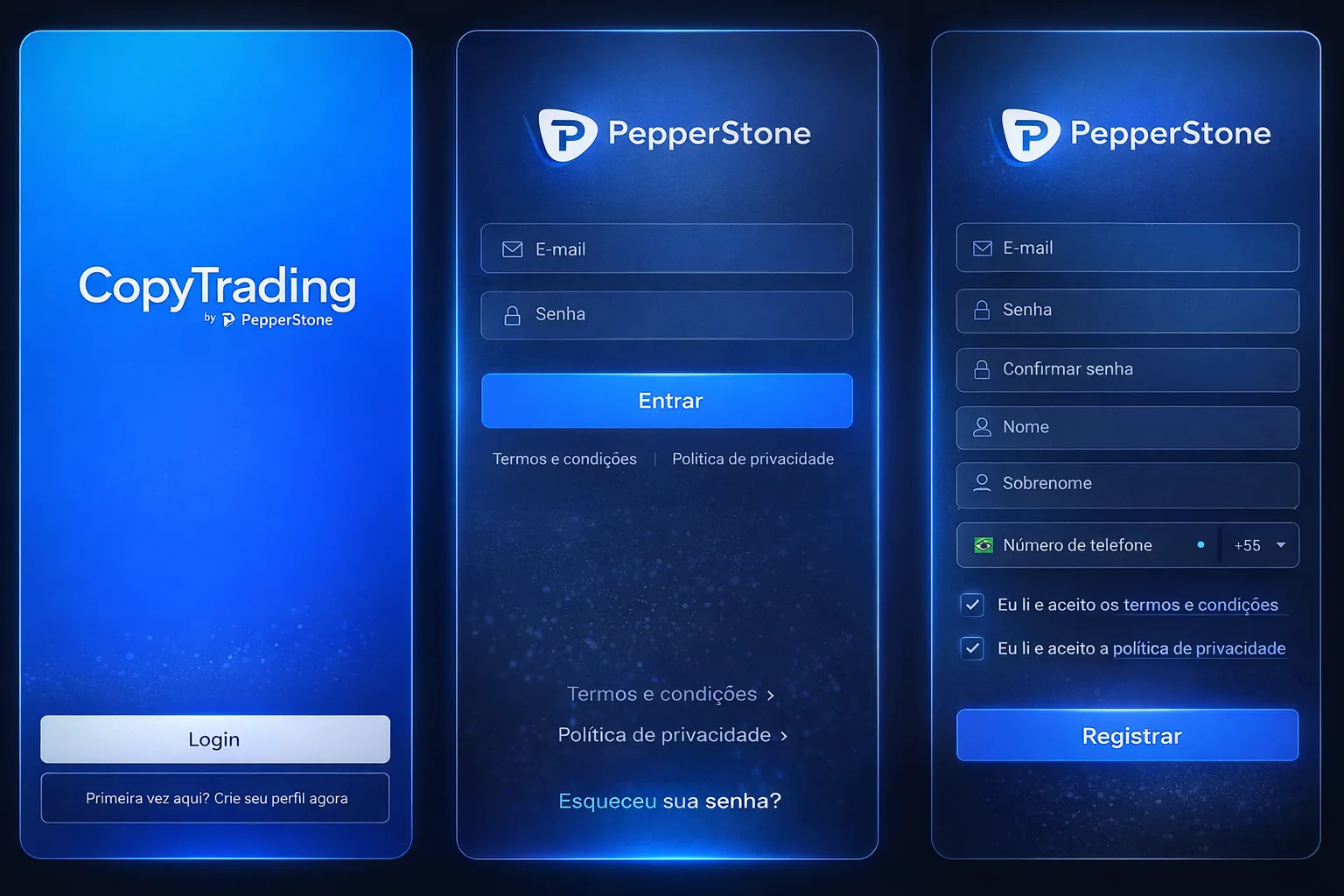
You’ll need to search for “Pepperstone cTrader” in the market, then just tap install and wait a bit. When ready, the app icon pops up. Launch, pick one way to log in: cTrader ID, Facebook, Google, Apple. Select from 23 languages including English and Urdu. At this point, you’re set to start.
Someone choosing an APK outside of Play Store? Head to Android settings and enable “Install from unknown sources.” It’s safer if you check the APK integrity before installing, especially when using third-party sites instead of official sources.
Account Sign-in and Access
We allow different login options so you’re flexible. Use cTrader ID, or link Facebook, Google, Apple credentials. Demo accounts skip the identity checks. You’ll get a virtual balance of 50,000 USD to practice, all functions unlocked but without trading real funds.
If you open a live account, registration is on pepperstone.com, and you’ll upload your ID and address for verification. Local currency (PKR) accepted for funding. Once you’re set up, your app stays signed in unless you log out by hand or spend 30 days away.
Your watchlists and open trades follow you anywhere. Switch devices - nothing is lost, everything updates automatically.
Trading Instruments for Pakistan
We provide direct access to more than 60 forex pairs, major metals (gold, silver, platinum), oil (Brent, WTI), major stock indices and over 1,000 global stocks. Razor accounts in Pakistan get spreads starting from 0.0 pips, charged with commission.
| Asset Class | Instruments | Trading Hours PKT |
|---|---|---|
| Forex Pairs | 60+ combinations | 24h Mon-Fri |
| Metals | Gold, silver, platinum | 23h with break |
| Oil | WTI, Brent crude | 23h with break |
| Indices | US, EU, Asia indices | Varies by market |
| Stocks | 1000+ global equities | Local market hours |
On every instrument, you see current spreads, daily moves, trading status. Margins and limits change live. All trades are routed right to the liquidity provider. No interference, no dealing desk.
Chart Features and Analysis
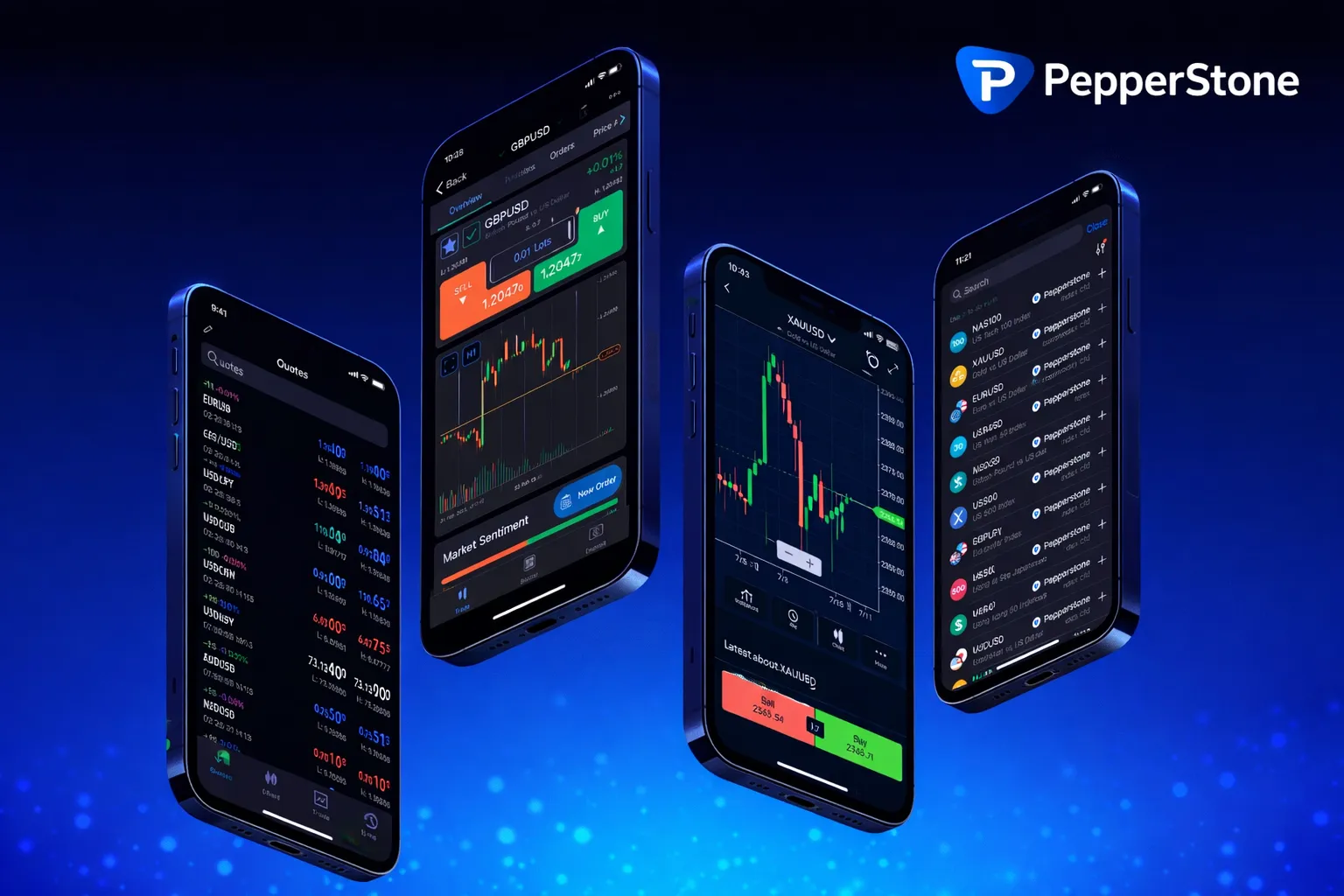
We designed charting to suit different needs. Choose from time charts (from 1 minute to monthly), or use tick, Renko, and range charts for unique price patterns.
There are 65 technical indicators: moving averages, oscillators, volume stats. Layer up as many indicators as you want, tune their settings. Draw support/resistance, Fibonacci, channels, or other shapes. These will stay even if you close the app.
Market sentiment is live - you see what other PepperStone traders are doing on each asset. For context, it’s shown right beside bid/ask spreads and daily stats.
Create your own watchlists, as many as you need. Add unlimited assets, sort them by price movement, volume or by name. Switching between lists is instant.
cTrader Mobile Trading Platform
PepperStone cTrader app provides STP and NDD execution for direct order processing without broker intervention. The platform supports trading in Forex, Metals, Oil, Indices, Stocks, and ETFs with one-click trading functionality.
Key features include:
- 65 technical indicators and advanced charting tools
- Multi-language support with 23 available languages
- Real-time market sentiment and price alerts
- Demo account with $50,000 virtual funds for practice
- Compatible with Android devices requiring 50-80 MB storage space
The app maintains a 4.4-star rating on Google Play Store with over 100,000 downloads. Pakistani traders can access the platform through official app stores or verified APK sources.
Order Execution Tools
Placing market orders is direct. Just pick an instrument, press Buy/Sell, enter lot size, and confirm. Right away, you see order status, your entry price and ID. To adjust existing trades, go to your open list, then set take profit or stop loss as you wish.
Set pending orders (limit or stop) with custom trigger prices. The panel updates automatically with live prices. All pending trades are shown in a list; you can swipe to edit or delete them.
Trailing stops move automatically in your favor. You can close any part of your position, so scaling in/out is simple and no need to start from scratch for every trade.
Alerts and Notifications
You’re able to set price alerts even if the app is not running actively. Alerts arrive via push or email depending on what’s easiest (push comes straight to your phone, email if you prefer). To set up, tap alert icon on any asset, pick alert type, add parameters and delivery method.
Use alerts on price, percentage changes, or combine with your technical indicators. We don’t limit how many you can set. Each alert can have unique text and can fire once or turn on again as needed.
You decide if alerts arrive as push notification, with a sound or vibration, or as email to your cTrader account.
App Performance
For stable trading, 2 GB RAM is usually enough, and minimum 1 Mbps internet connection. If there are issues with battery, the app will reduce CPU use while still running alerts and order checks in background.
Active trading costs about 5-10 MB per hour in mobile data. You can save traffic by changing how often charts update or turning off news feeds. The layout switches smoothly between vertical and horizontal, with landscape showing bigger charts.
Safety and Security
All data exchanges use advanced TLS 1.3 encryption. Authentication tokens and any sensitive info in the app are encrypted on your device too. For biometric logins, fingerprint and face unlock are available if Android allows it.
We support two-factor login with TOTP from any authenticator app or by SMS. If enabled, this works on mobile the same as on desktop. App logs all sign-ins and trading actions, so you can always check activity.
Contact and Support
Our customer team is ready via support@pepperstone.com, usually replies come in under 24 hours. For calls, reach us at +61 3 9020 0155 any business day. Inside the app, open Help - guides and solutions are built-in for basic questions.
Traders can join the official cTrader group on Facebook or Telegram to exchange ideas, get tips, discuss strategies or just ask a quick question. Our own team and other active members help daily. Main website pepperstone.com includes full documentation plus short video tutorials.
FAQ
Q: Is the Pepperstone cTrader APK safe to download in Pakistan?
A: The safest option is downloading directly from Google Play Store, where the app has over 100,000 downloads and a 4.4-star rating. If you use third-party APK sites like Aptoide or Softonic, check the file integrity before installing and enable ‘Install from unknown sources’ in your Android settings. Official sources minimize security risks compared to unofficial APK distributors.
Q: Can I use Pepperstone app in Urdu language?
A: Yes, the Pepperstone cTrader app supports 23 languages including English and Urdu. You can select your preferred language during the initial setup or change it later in the app settings.
Q: Do I need money to start using Pepperstone app?
A: No, you can open a free demo account without depositing money. The demo account provides 50,000 USD in virtual funds to practice trading forex, stocks, indices, and other assets without financial risk.
Q: What Android version is required for Pepperstone APK?
A: The Pepperstone cTrader app requires at least Android 5.0 or higher. You’ll also need approximately 50-80 MB of free storage space on your device for installation.