
Risk-Free Practice
PepperStone Demo Trading Pakistan
How to Start a PepperStone Demo in Pakistan
We give free demo trading accounts to anyone in Pakistan who wants to practice forex or CFD trading, totally without risking real money. Registering is quick - a few details like your email, password, name, birth date, and mobile are all you need. Once you sign up, you get access to your dashboard right away. Inside, just open the demo tab, find the blue plus sign, and a set of practice account details shows up in your inbox within seconds.
You’re not limited to one. With us, you can have several demo accounts. Our WebTrader lets you hold up to 5 Standard or 10 Razor demo accounts at the same time. Other platforms don’t really limit this at all. This setup works well if you want to compare leverage or play around with different account types before opening a live one.
Choosing and Setting Up Your Platform
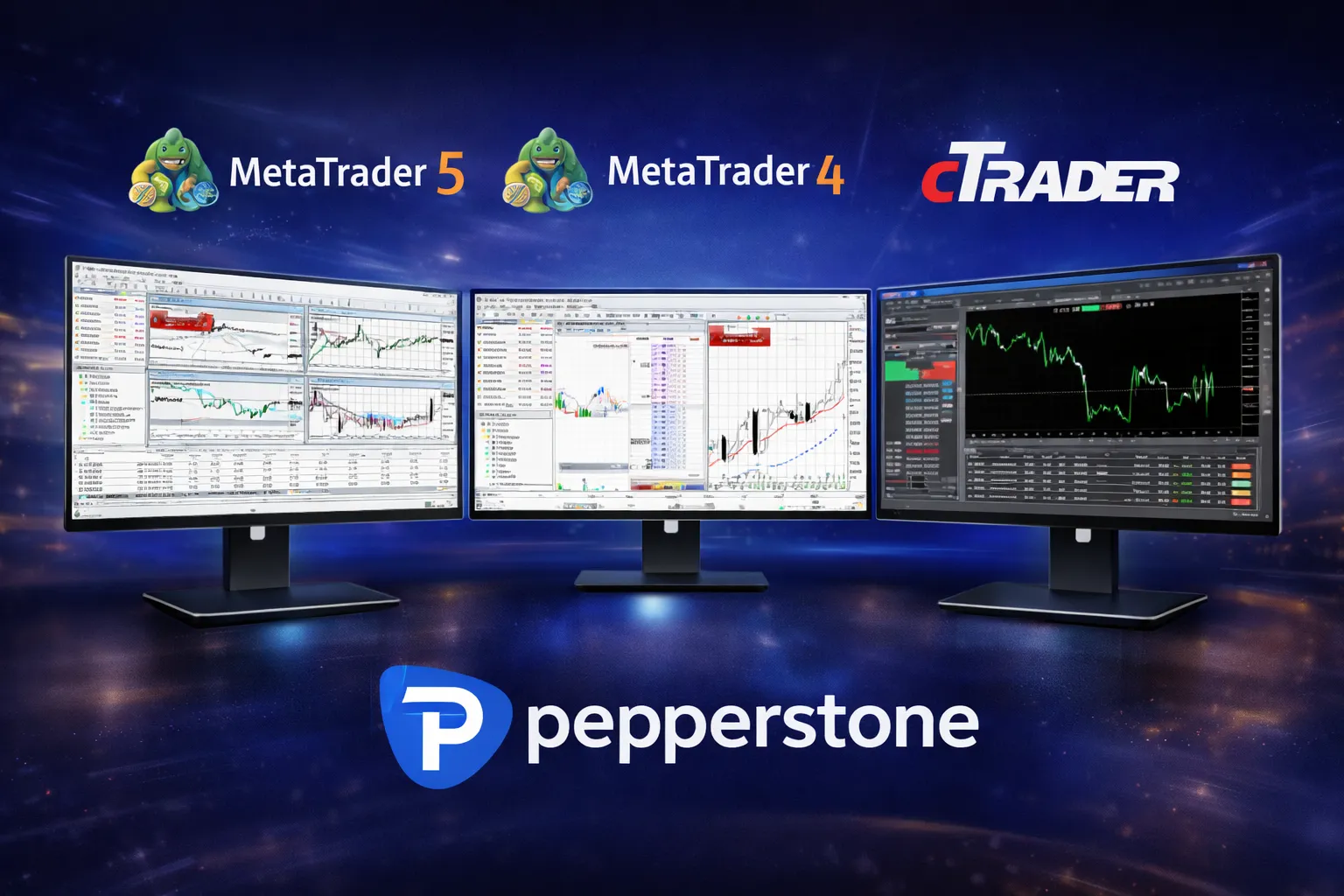
Demo trading is possible on five platforms: MetaTrader 4 (MT4), MetaTrader 5 (MT5), cTrader, TradingView, and WebTrader. Each platform fits a particular trading style. MT4 and MT5 offer advanced charts and make using automated trading robots (Expert Advisors) simple. cTrader focuses on fast order execution and adds built-in options for copying trades. TradingView is known for social features and flexible charting. Our WebTrader opens in a browser, skipping any downloads.
At setup, you can tweak your demo: pick your starting currency (options include USD, EUR, GBP, PKR, and others), select account type (Standard or Razor), choose your virtual balance (usually 5,000-50,000 units), and set leverage up to 1:500, depending on what you want to test. These conditions match our live accounts, so your practice feels as close to real as possible. Spreads and execution speeds in demo are the same as in real trades.
Virtual Money and How Long the Account Stays Active
Demo accounts come loaded with unlimited virtual funds. If you run out, just top up. On cTrader and TradingView, you can add funds right inside the platform. If you use MT4, MT5, or WebTrader, just email support@pepperstone.com and include your account info. We’ll boost your balance.
How long can you use a demo? It depends on the platform:
| Platform | Duration | How to Extend |
|---|---|---|
| MT4/MT5 | 30 days | Fund a live account |
| cTrader | Unlimited | Log in every 30 days |
| TradingView | Unlimited | Log in every 30 days |
| WebTrader | Unlimited | No extra steps |
We do not charge anything on demo accounts for interest adjustment, nor for dividends. You always trade at real market prices, and execution is live. Some slippage differences may happen, but that’s the reality in both practice and real money.
Strategy Practice
Most traders in Pakistan use demo accounts to build and test strategies for forex pairs, global indices, commodities, or share CFDs. All trading instruments you see on the demo side are available with the same leverage and margin requirements as in live.
If you prefer algorithmic trading, you can run Expert Advisors on MT4 or MT5 and watch how the strategy works, just like it would perform on a live account. You see every metric, adjust settings, and there is zero risk as all positions open and close using virtual funds.
Lots of users explore copy trading, too. We link with Myfxbook Autotrade and DupliTrade so you can view and check out the signals from other traders before you decide to pay for one in real trades. Demo mode lets you see actual historical results, performance statistics, and how often trades are placed.
Manual trading fans are not left out. You can test order placement, work out how to set stop losses or profit targets, experiment with market and pending orders, trailing stops, and everything else. If a demo order is rejected, it’s probably because the virtual account is empty or you’re exceeding trade limits - these rules are the same as we have on live trading.
Demo Account Features
PepperStone demo accounts provide unlimited virtual funds with customizable balance from $5,000 to $50,000. You can create multiple demo accounts - up to 5 Standard or 10 Razor accounts on WebTrader platform.
Key benefits include:
- Live market prices for forex, indices, shares and commodities
- Leverage up to 1:500 with multiple base currencies including USD, EUR, GBP
- Access to MT4, MT5, cTrader, TradingView and WebTrader platforms
- Expert Advisors and automated trading enabled
- No charges for interest, dividends or out-of-hours movements
cTrader demo accounts remain active with login every 30 days, while MT4/MT5 demos last 30 days but can be extended unlimited with a funded live account.
How to Get the Platform
For desktop users, you need to download the software. Our website has separate downloads for MT4, MT5, and cTrader for both Windows and Mac.
On mobile, you can get dedicated apps for iOS or Android. Pakistani traders just head to the Apple App Store or Google Play Store and log in with their demo credentials. The mobile apps come with real-time charts and core trading features.
Quick installation steps:
- Go to our website and select your platform.
- Choose the correct version for your device.
- Download and start the installer.
- Follow the prompts and open the platform.
- Log in using your demo account info.
- Check that you’re connected to our demo server.
WebTrader offers a shortcut - just log in directly from your browser. Chrome, Firefox, Safari, Edge, they all work fine and you need no extra plugins.
What Demo Accounts Don’t Offer
While most live features work in demo, some things just aren’t available. cTrader copy trading works in view-only mode in demo, just for testing. MetaTrader’s Pelican service needs a real funded account before you can use it. We don’t provide swap-free Islamic account setups on demo.
Emotion is also missing in demo mode. Trading with virtual funds can make it easy to take bigger risks than you normally would. The lack of real financial loss sometimes means traders ignore risk limits or use outsized position sizes. It’s really important to behave in demo like you would in live trading.
Margin calls and forced position closures are still active in demo: if your virtual balance drops too low, open trades close automatically. This teaches you how leverage works and helps you practice safe position sizing before you start with your own money.
Moving from Demo to Live Trading
When you’re ready to trade with actual funds, you’ll need to open and fund a live account. Just complete the regular sign-up, upload your ID and address proof - it usually takes us up to 2 business days to confirm everything.
You can choose several ways to deposit, but check which options work in Pakistan in your account settings first. Processing times vary by payment method.
The look and feel of the trading platform doesn’t change when you move from demo to live mode. If you’re used to demo, you’ll feel right at home trading for real.
Before starting real trades, we must show you a risk notice and you’ll need to confirm you understand the risks around leverage, possible losses, and rapid market movement. Every Pakistani client does this step before activating live trades.
Minimum Device and Internet Requirements
Our platforms run on most modern devices and standard Pakistani internet connections. You need just 1 Mbps for basic use, but 5 Mbps or above gives you a smoother chart experience. Mobile networks from Pakistan’s main operators support our apps easily.
You’ll need Windows 7 or higher, or macOS 10.12 up, for desktop trading. iOS 12+ or Android 6.0+ works fine for mobile. WebTrader will run in almost any browser from the past couple of years.
Accounts made in Pakistan default to Pakistan Standard Time (UTC+5). Market times show in your local time zone, and forex stays open Monday to Friday except weekends. We also highlight when major sessions overlap, like London, New York, Tokyo, and Sydney.
FAQ
Q: How long does a Pepperstone demo account last in Pakistan?
A: MT4 and MT5 demo accounts expire after 30 days, but become unlimited if you open a funded live account. cTrader demo accounts stay active indefinitely as long as you log in at least once every 30 days. You can create new demo accounts anytime through your dashboard.
Q: Can I use PKR as my base currency in Pepperstone demo account?
A: Yes, Pepperstone allows you to select PKR along with other currencies like USD, EUR, and GBP as your demo account base currency during setup. This lets you practice trading with the currency you plan to use for your live account. All market prices and virtual funds will display in your chosen currency.
Q: How do I add more virtual money to my Pepperstone demo account?
A: For cTrader and TradingView demos, you can top up virtual funds directly within the platform. For MT4, MT5, and WebTrader demo accounts, you need to email support@pepperstone.com to request a balance increase. Virtual funds are unlimited and free.
Q: What trading platforms can I test with Pepperstone demo in Pakistan?
A: You can access demo accounts on MT4, MT5, cTrader, TradingView, and WebTrader. All platforms provide live market prices, real execution speeds, and the same spreads as live accounts. You can download desktop versions or use the mobile app to practice trading from anywhere