
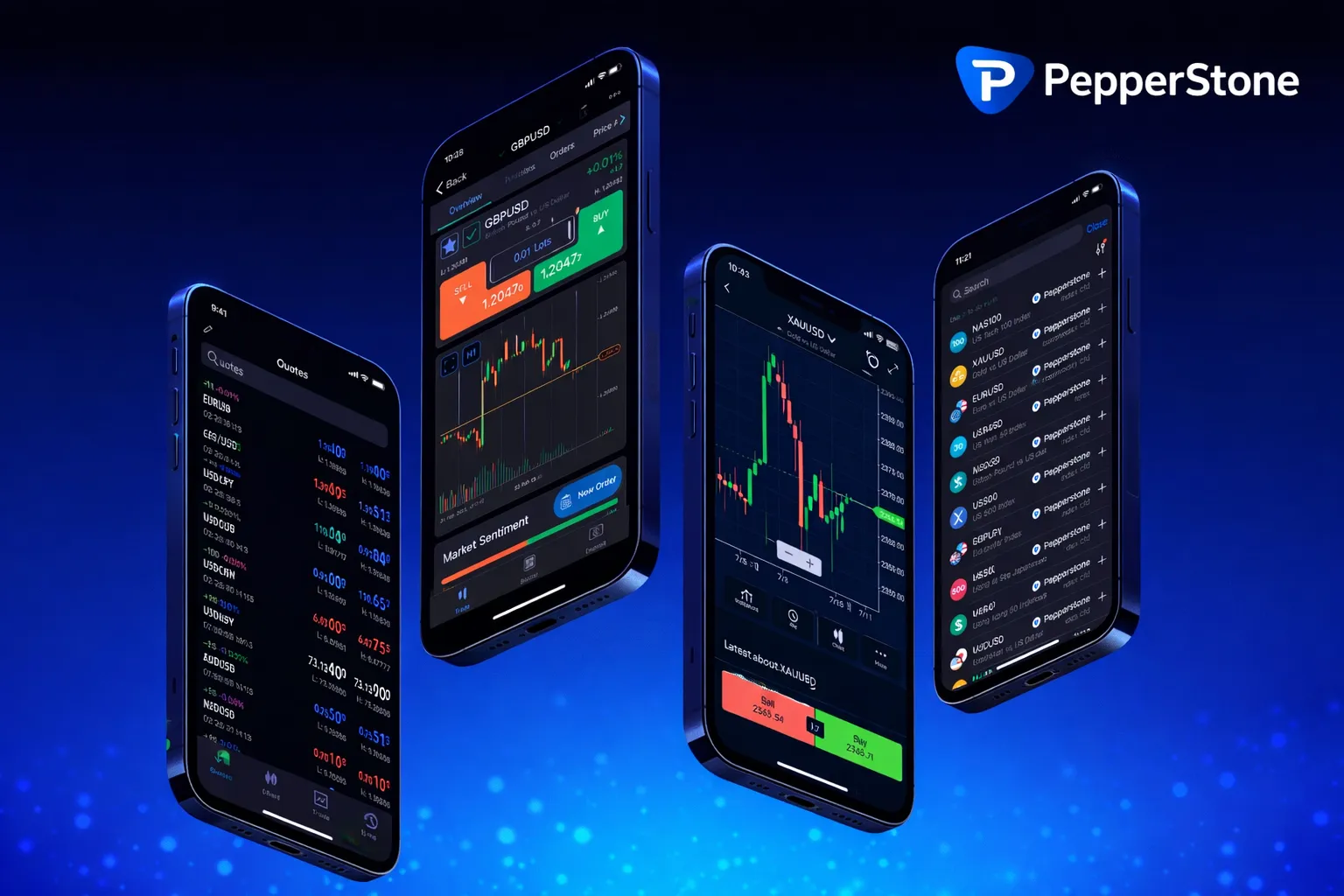
Instant MT4 Access
PepperStone Activation Code MT4 Setup
Accessing Your MT4 Login Credentials
Each MT4 account at PepperStone gets its own set of login details. Inside your client portal at pepperstone.com, just go with your email and pass through to “Trading Accounts”. Adding an MT4 account - whether demo or live - is quick. Choose what you need for trading right now.
Wait a few seconds, and login, password, server name show up. These credentials are unique and should be saved - you’ll need them every time you open the platform. Our clients in Pakistan set up several accounts (razor or standard), and each profile works independently under your main login.
Opening Accounts
Most MT4 accounts are set up in less than a minute. The actual process is simple:
- Log in to the PepperStone portal.
- If you turned on two-factor authentication, you’ll need to pass it now.
- In “Trading Accounts” hit Add MT4 Account.
- Choose between demo and live. Demo accounts use virtual funds, live needs a real deposit.
- Select account type - Standard means spreads only, Razor mixes commission plus ultra-low spreads.
- Pick a currency. Everything from USD to GBP, whatever suits.
- Submit and wait for the page to refresh (about ten seconds).
- Save your details (login, pass, server name) right away.
Demo balances can be topped up whenever you want through settings. Funding is needed only if you go live. Each account balance tracks on its own, so you never mix virtual and real trading.
Two-Factor Authentication
To secure your profile, enable 2FA (two-factor authentication). It adds a second step at login. Click your account icon at the top, tap on “View Profile”, find the “Two Step Verification”.
Choose - app code or SMS. If it’s an app, scan the QR code using Google Authenticator or Authy. They make a six-digit code which you’ll need to enter. Save backup codes, but not on your trading device.
After you activate this, password alone isn’t enough. Every session needs the password and the code from your phone. Make sure your phone time is correct, or these codes won’t work. You can turn 2FA off, but it’s safest to keep it running, especially with real funds in your account.
Verifying Your Identity
Before first withdrawal, documents are needed for account verification. We ask for two: photo ID (passport, national ID card, or driver’s license - all must be current) and proof of address.
| Document Type | Requirements | Validity |
|---|---|---|
| Passport | Full page, photo plus signature | Must be valid |
| National ID Card | Both sides visible in one file | Must be valid |
| Driver License | Show both sides clearly | Must be valid |
Proof of address makes you upload a utility bill, government letter, or bank statement. It must show your full name, address, and be less than three months old. Upload only clear color copies, no screenshots or blurry scans. Most checks finish in 1-2 business days.
Setting Up and Logging Into MT4
Download MT4 from “Platforms” on our site. Versions are available for PC, Mac, and smartphones. For Windows, open the installer, go along with the default install. Open MT4 from your desktop.
Click on “File”, pick “Login to Existing Account,” then enter your login number, password, and copy the server address exactly as it appears. Within seconds, account stats and balance pop up at the bottom of the program. If it’s stuck connecting, always check the server name first. Usually, that’s all it is.
Mobile MT4 apps are straightforward. You’ll see a login screen, enter your info, pick your server from the dropdown. Store credentials for easier logins in the future.
Complete MT4 Account Setup
PepperStone provides instant MT4 credentials through your client portal at pepperstone.com. Login with your email and navigate to Trading Accounts to add new MT4 accounts in under a minute. Choose between Standard accounts with competitive spreads or Razor accounts with spreads from 0.0 pips plus commission.
Your unique login, password, and server details appear immediately after account creation. The platform offers 99.59% fill rates and execution speeds of 50ms across 1350+ trading instruments. Enable two-factor authentication through your profile settings for enhanced security.
- Demo accounts with virtual funds for practice
- Live accounts supporting multiple currencies including USD, GBP, EUR
- Leverage up to 200:1 for retail traders, 1000:1 for professionals
- Copy trading features to replicate expert strategies
- 24-hour support with global office network
Leverage and Margin
PepperStone offers adjustable leverage. Retail traders access up to 200:1, recognized professionals up to 1000:1, depending on what you trade.
| Instrument Type | Retail | Professional |
|---|---|---|
| Forex Pairs | 200:1 | 1000:1 |
| Gold | 200:1 | 1000:1 |
| Index CFDs | 100:1 | 500:1 |
| Commodity CFDs | 100:1 | 500:1 |
| Equity CFDs | 20:1 | 100:1 |
Platform calculates your required margin automatically before trades. Free margin always updates - that’s what you can use to enter new positions. Margin shortfalls aren’t possible unless the market moves sharply during a trade. Most orders are filled in under a tenth of a second, with high accuracy, but volatile moments may lead to price slippage.
Deposits From Pakistan
Funding is tailored for Pakistan. All available methods, their limits, and fees appear in the “Deposit” section.
For major amounts, choose bank wire. It takes about 1-3 days, varies by your bank’s timelines. Use the reference code we provide so deposits are tracked instantly.
Visa and Mastercard are direct and processed through our partnered gateways. No card information is saved past the transaction. Instant credit on your balance, subject to your card limit.
PayPal can be linked too if your account is verified. Once connected, deposits need only quick authorisation - just follow the popup flow.
We don’t make you follow a minimum deposit. You choose your amount. Deposits in PKR convert at the day’s interbank rate, so you always see exactly what lands in your trading balance.
Withdrawals
Withdrawals must use the same payment method you deposited with. Go into “Withdrawal”, choose destination, and set the amount. Outflows to cards return to the original card used, within three to five business days. Bank transfers might finish in a day or two, often less. PayPal withdrawals show up typically inside 24 hours.
We never charge withdrawal fees. However, always check your own bank’s or payment service’s policies, especially before moving larger amounts. First withdrawal and large sums could require a quick phone or email verification for added security. If you see “withdrawal blocked,” usually KYC isn’t finished - just submit any missing docs to clear this.
What Can You Trade
Market Watch in MT4 sorts over 1350 trading products. Our Pakistani clients often trade classic currency pairs like EUR/USD or GBP/USD. Razor accounts offer spreads starting from 0.0 pips for major forex pairs, and a small commission fee per lot. Standard accounts set their profit in the spread, with no other fee.
Commodities range from oil and precious metals to farming futures - gold and silver use the same leverage as forex, oil follows international calendar schedules.
Indices include S&P 500, FTSE, DAX, and leading Asian benchmarks. Trading hours are synced with the world’s exchanges, with short maintenance windows.
Crypto CFDs (such as Bitcoin and Ethereum) are always open, 24/7, but leverage is capped at 5:1 for regular traders.
Features of the MT4 Platform
MT4 is suited for many trading styles and skills. There are 30+ built-in indicators. Add more using custom tools if needed. Charts support any timeframe you want, from one minute to monthly, and you can switch layouts at any moment.
Expert Advisors (EAs) allow automation. Build your own in MQL4, or browse through MetaTrader’s marketplace for finished trading robots. Strategy Tester lets you see exactly how a script would have performed with old price charts. Fine-tune settings on historical data and real results.
Copy trading? It’s easy. Choose traders to follow, and their trades mirror instantly at your volume. You can pause, resume, or stop copying anytime.
Support and Help
We support you 24/5, plus longer hours on the weekend. For quick questions, the knowledge base covers nearly every process. Most things can be solved by searching there.
Email is best for anything that needs detail, like complex account requests. Send full details and you’ll usually hear back the same business day.
With urgent login or account trouble, phone support lines are open and sorted by location and language (find them on our Support page). Your portal also stores all ticket history, so you check status, supply extra info, and review old questions later if you need.
For anything else, just reach out. We help in English and Urdu, and do our best to keep things clear for all clients in Pakistan.
FAQ
Q: How do I get my Pepperstone MT4 activation code in Pakistan?
A: Log into your Pepperstone account at pepperstone.com, navigate to Trading Accounts, and click Add MT4 Account. After selecting demo or live and submitting, your login credentials, password, and server name will appear on screen. Save these details immediately as they are your activation codes for MT4 platform access.
Q: Can I use Pepperstone in Pakistan with local payment methods?
A: Pepperstone accepts multiple currencies including USD, GBP, EUR, and AUD with deposit methods like Visa, Mastercard, bank transfer, and PayPal. The broker is regulated and available in Pakistan as of 2026, though you should verify current payment options through your account dashboard after registration.
Q: What documents do I need to verify my Pepperstone account?
A: You need a photo ID such as passport, driver’s license, or national ID card, plus proof of address like a utility bill or bank statement dated within the last three months. Documents must be submitted as colored PDF or JPEG files showing all details clearly, with no screenshots or P.O. box addresses accepted.
Q: Is two-factor authentication required for Pepperstone accounts?
A: Two-factor authentication is not mandatory but strongly recommended for account security. You can enable it by going to My Account, clicking the account icon, selecting View Profile, then navigating to the TWO STEP VERIFICATION tab and activating it through the provided options.